Introduction
Setting up your Greek IPTV subscription on a Smart TV is straightforward and takes less than 5 minutes. The most popular and reliable application for Samsung, LG, Firestick, and Android TV is IPTV Smarters Pro.
Follow our step-by-step visual tutorial below.
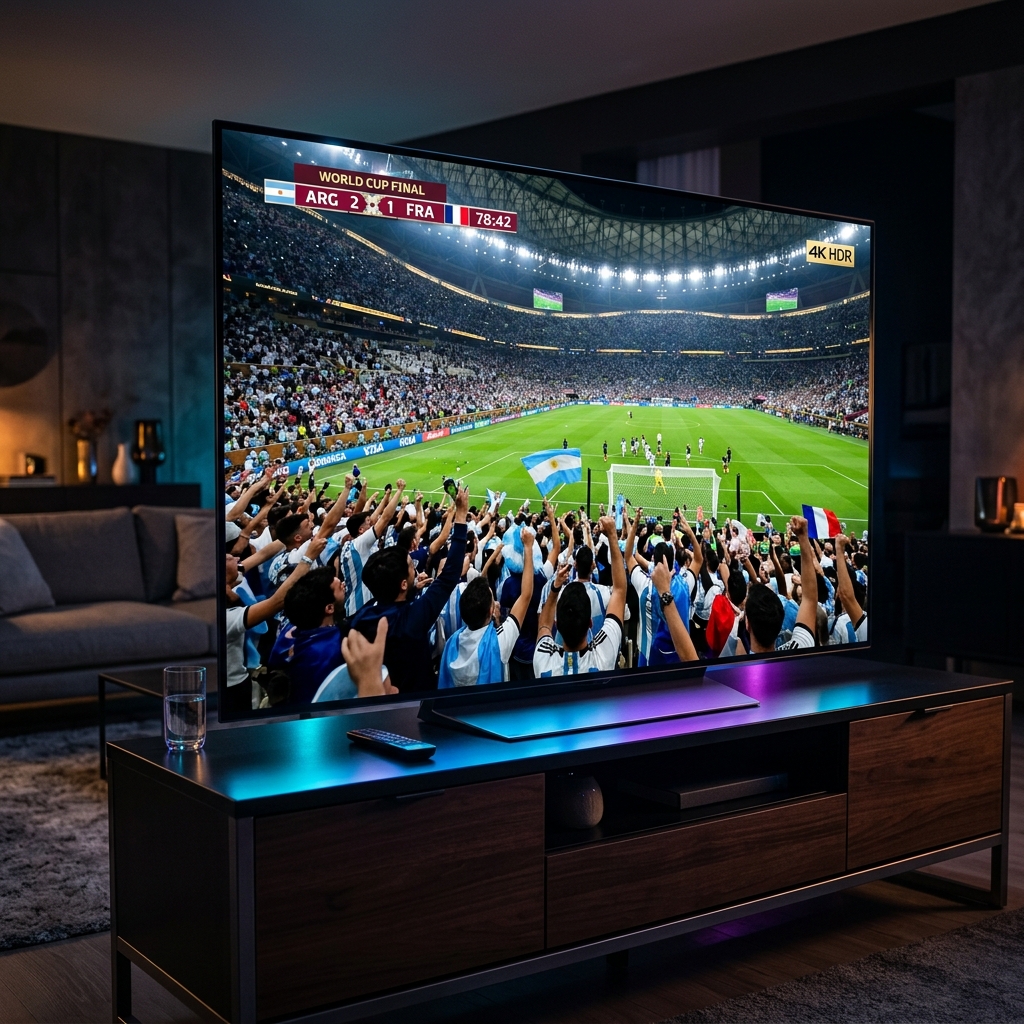
Step 1: Download the App on your Smart TV
- Turn on your Smart TV (Samsung, LG, Sony, or Android TV).
- Open the official application store (Google Play Store, LG Content Store, or Samsung App Store).
- Type “IPTV Smarters Pro” or “IBO Player” in the search bar.
- Select the app and click Install / Download.
Step 2: Open and Enter Login Credentials
Once the app is installed, open it on your TV. You will see multiple connection options. Select:
👉 “Login with Xtream Codes API”
Enter the activation details sent to you by our team via WhatsApp:
- Any Name:
Greek IPTV - Username:
(Your unique username) - Password:
(Your unique password) - Server URL:
http://... (Provided by support)

Step 3: Start Watching in 4K
Click Add User or Connect. The app will automatically sync the full Greek and international channel lineup, live sports schedule, and on-demand movies.
Need assistance? Our technical support team is available 24/7. Simply send us a quick WhatsApp message and we will guide you through every step in real-time.